 StudyMina
10 Best Study Apps for Nigerian University Students in 2026
Ten study apps for Nigerian university students compared honestly: what each does best, who it suits, how it is priced, and where it falls short.
In this article
- How we chose these apps
- 1. StudyLikePro: best for Nigerian university coursework
- 2. NotebookLM: best for questions about your own notes
- 3. Anki: best for long-term memorisation
- 4. Quizlet: best for quick, shareable flashcards
- 5. Microsoft OneNote: best for organising lecture notes
- 6. ChatGPT: best as a flexible explainer
- 7. Google Classroom: best if your lecturer already uses it
- 8. Khan Academy: best for maths and science foundations
- 9. Pass.ng: best for admission-exam practice
- 10. uLesson: best for secondary school and WAEC/JAMB lessons
- How to choose
- Using AI responsibly
- Sources
Most "best study apps" lists are written for students in the United States or Europe. They recommend tools that assume reliable data, a university that uses a particular learning platform, and course codes that mean nothing in Nigeria. A student at FUTO, UNILAG or UNN has a different problem: past questions for your own department, a CGPA to protect, patchy data, and lecturers who may or may not use any particular platform.
This guide ranks ten apps by how useful they are to a Nigerian university student, says honestly what each one is not good for, and separates tools for university coursework from tools built for secondary school and admission exams.
How we chose these apps
We looked for apps that solve at least one real university problem: understanding difficult material, remembering it, practising for exams, organising notes, or keeping track of results. We then asked three questions about each:
- Who is it actually built for? An app for JAMB candidates is not automatically a good university tool.
- How does it cost? Free, free with limits, or paid, described in general terms where exact prices were disputed.
- What are its limits? Every tool has them, and knowing them saves you time.
A quick comparison first, then the detail.
| # | App | Best for | Cost model | Platforms |
|---|---|---|---|---|
| 1 | StudyLikePro | Nigerian university past questions, AI study tools, CGPA | Free to download; some features need a paid Pro pass | Android (Google Play) |
| 2 | NotebookLM | Asking questions about your own notes and PDFs | Free with limits; paid tiers via Google AI plans | Web, mobile |
| 3 | Anki | Long-term memorisation with spaced repetition | Free on desktop, web and Android; paid on iPhone | Windows, Mac, Linux, Android, iPhone, web |
| 4 | Quizlet | Quick flashcards and shared study sets | Free with limits and ads; paid Plus plan | Web, mobile |
| 5 | Microsoft OneNote | Organising lecture notes | Free with a Microsoft account | Windows, Mac, mobile, web |
| 6 | ChatGPT | Explanations, summaries and practice questions | Free with limits; paid plans | Web, mobile |
| 7 | Google Classroom | Following a lecturer's class | Free | Web, mobile |
| 8 | Khan Academy | Maths and science foundations | Free | Web, mobile |
| 9 | Pass.ng | JAMB, post-UTME and WAEC practice | Check the app for current pricing | Android, web |
| 10 | uLesson | Secondary school and WAEC/JAMB lessons | Paid subscription | Android, web |
1. StudyLikePro: best for Nigerian university coursework
Best for: Nigerian university students who want past questions, AI-assisted study tools and a CGPA calculator in one app.
StudyLikePro is a Nigerian university-focused study app available on Android through Google Play. Its tools include:
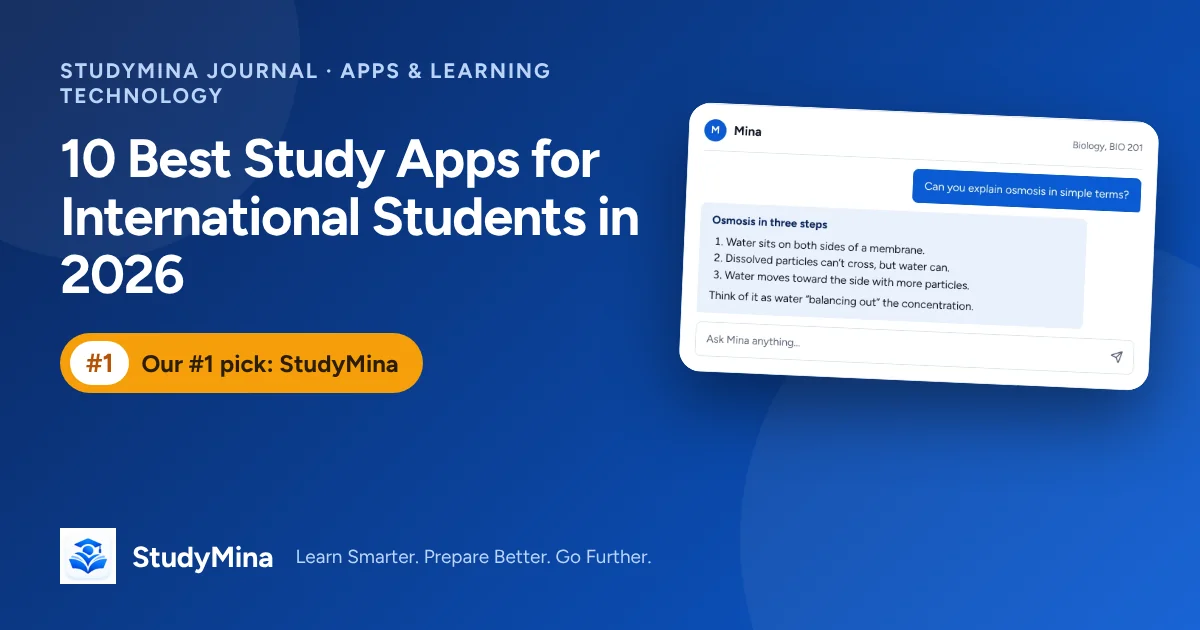
- Lumi, an AI tutor you can ask questions about what you are studying
- University past questions to practise with
- AI flashcards and AI quizzes to turn material into revision
- A CGPA calculator to track and plan your results
- Study planning and learning resources
- Study games for lighter revision
Why it is first on this list. None of the other apps here is built around Nigerian university past questions and Nigerian-style CGPA tracking; as far as we could tell, they treat those as someone else's problem. For a student whose exams are set by a Nigerian lecturer, that matters more than polish.
Limits to know about. It is currently available on Android through Google Play, so iPhone users should check whether a version exists for their device. Some features need a paid Pro pass, which is a one-time payment rather than an auto-renewing subscription, so check the app for the current price. Like every AI tool, its AI features can make mistakes and should be checked against your notes and textbooks. Its past-question coverage depends on which schools and courses have been added, so confirm that yours is included.
2. NotebookLM: best for questions about your own notes
Best for: students with PDFs, slides and lecture notes who want an AI that answers only from those documents.
NotebookLM is Google's AI notebook. You upload sources such as PDFs, documents and web pages, then ask questions, and it answers from what you uploaded with references back to the source. That grounding makes it more trustworthy for revision than a general chatbot, because you can click through and check. It can also produce study guides, summaries and audio overviews, and flashcards and quizzes with daily limits.
Cost. The core service is free with a Google account, with caps on how many notebooks, sources and generated items you can use; paid tiers raise those limits through Google's AI plans. Google has been folding NotebookLM into its Gemini products, and some Google pages now use the name Gemini Notebook, so the branding may differ from what you see here.
Limits. It works well only if you already have good source material. It does not know your lecturer's course. Check Google's list of supported countries and whether the mobile app is available to you.
3. Anki: best for long-term memorisation
Best for: students of heavy-memorisation subjects, such as medicine, pharmacy, law and biology, who will study over months.
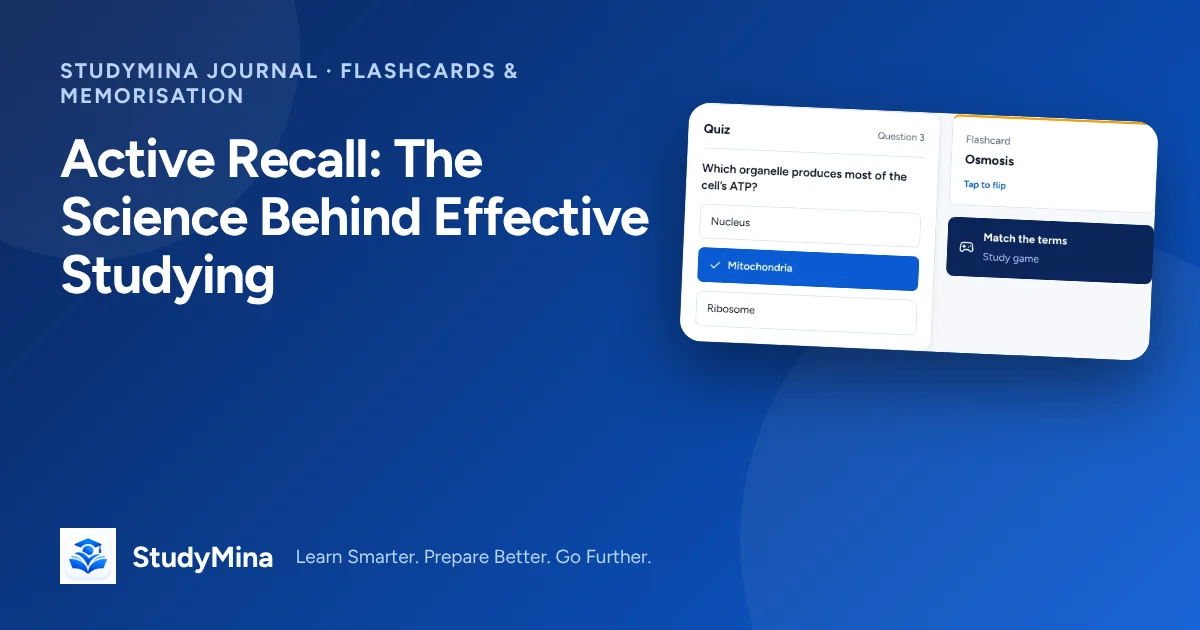
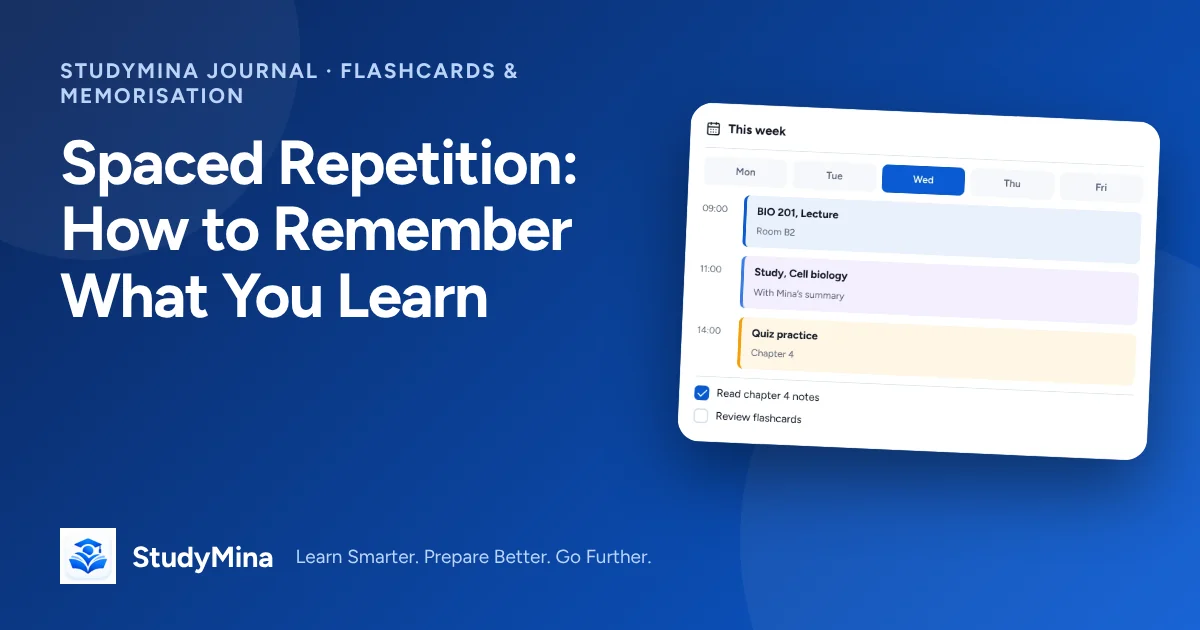
Anki is a flashcard app built around spaced repetition: it schedules each card to reappear just before you would forget it. Our guides on active recall and spaced repetition explain why that works.
Cost. The desktop version (Windows, Mac, Linux), the AnkiWeb sync and browser version, and the Android app (AnkiDroid) are free. The official iPhone and iPad app is a paid, one-time purchase. iPhone users who do not want to pay can review in a browser through AnkiWeb.
Limits. It is plain and has a learning curve. You write or import your own cards, so it takes effort up front, and nothing in it is specific to Nigerian courses.
4. Quizlet: best for quick, shareable flashcards
Best for: quick vocabulary, definitions and group revision.
Quizlet lets you create flashcard sets and study them in several modes, and you can find sets made by other students. It is easy to start and easy to share with classmates.
Cost and limits. There is a free version with ads and usage limits on some study modes. A paid Plus plan unlocks more, including more of its AI tools and offline study. Quizlet has changed which features are free several times, and the sources we found disagreed on its current pricing and on some of its AI features, so check Quizlet itself before deciding. Shared sets are written by other users and can contain errors, so check them against your own notes.
5. Microsoft OneNote: best for organising lecture notes
Best for: keeping notes for several courses neatly in one place.
OneNote organises notes into notebooks, sections and pages. It handles typed notes, pasted images, and handwriting on touch devices, and it syncs across phone, laptop and web. It is not a revision tool, since it will not quiz you, but it is a strong place to keep material you will later revise from elsewhere.
Cost. Free with a Microsoft account. Limit: it organises information but does not help you learn it.
6. ChatGPT: best as a flexible explainer
Best for: getting a concept explained several ways, summarising notes, and generating practice questions.
A general AI assistant is flexible: ask it to explain a topic in simpler words, to quiz you on a paragraph, or to explain why an answer is wrong. There is a free tier with usage limits, and paid plans exist.
Limits. A general chatbot can produce wrong answers in a confident tone, especially for specialised or local material, and it has no knowledge of your lecturer's slides. Use it to understand, then verify. Many universities have rules about AI in assessed work, so check yours before using it for assignments.
7. Google Classroom: best if your lecturer already uses it
Best for: students whose lecturers post materials and assignments there.
Google Classroom is a free class-management tool. Students join a class with a code or link from the teacher, and personal Google accounts can be used. It is useful for receiving materials and deadlines, but it does not help you study on its own and it only works if someone has set up a class. Many Nigerian departments do not use it, in which case you will not need it.
8. Khan Academy: best for maths and science foundations
Best for: first- and second-year students whose maths, physics, chemistry or biology basics are shaky.
Khan Academy is a free, non-profit learning platform with lessons and practice in subjects such as algebra, calculus, statistics, physics, chemistry and biology. It is excellent for rebuilding foundations. It is not matched to Nigerian university syllabi, so use it for understanding concepts, not for exam-specific practice.
9. Pass.ng: best for admission-exam practice
Best for: fresh students preparing for JAMB, post-UTME and WAEC, and for revisiting those subjects.
Pass.ng is a Nigerian exam-practice platform covering JAMB CBT, post-UTME, WAEC and NECO. It is a good fit if you are about to enter university or helping a younger sibling prepare. It is not designed for university coursework, so it will not replace past questions for your own department. Check the app for its current pricing and features.
10. uLesson: best for secondary school and WAEC/JAMB lessons
Best for: secondary school students, and anyone who wants video lessons for WAEC, NECO and JAMB subjects.
uLesson is a Nigerian video-lesson app built around the secondary school curriculum, with quizzes and exam preparation. It is a paid subscription, and its price varies by plan and country, so check the app. Like Pass.ng, it is a strong choice for the stage before university but is not aimed at university-level courses.
How to choose
You do not need ten apps. Pick one for each job.
- If your department's past questions are your priority: start with StudyLikePro and confirm that your school and courses are covered.
- If you are drowning in PDFs and slides: try NotebookLM, and check its answers against the source.
- If you need to memorise a lot over months: use Anki, and keep your cards short.
- If your maths or science basics are weak: work through Khan Academy alongside your course.
- If you want one place for notes: OneNote.
- If you are about to enter university: Pass.ng or uLesson for the admission exams, then switch tools.
A sensible starter stack is one note-taking app, one practice tool and one AI helper. More than that tends to become procrastination with extra steps.
Using AI responsibly
Several of these apps use AI, including StudyLikePro. AI is useful for explanations and practice, but it can be wrong. Never submit AI-written work as your own, follow your university's rules, and treat AI-generated questions as practice rather than as real past questions. For a method that makes the most of any of these tools, see our guide to active recall.
Sources
Product details were checked on 7 November 2026. Please confirm prices, limits and availability on each product's own site.
- StudyLikePro: studylikepro.com.ng
- NotebookLM supported countries: support.google.com/notebooklm
- Anki: apps.ankiweb.net and faqs.ankiweb.net
- Quizlet: quizlet.com
- Microsoft OneNote: onenote.com
- ChatGPT: chatgpt.com
- Google Classroom, inviting students: support.google.com/edu/classroom
- Khan Academy: khanacademy.org
- Pass.ng: pass.ng
- uLesson FAQ: blog.ulesson.com