 StudyMina
How to Use AI to Summarise Lecture Notes
How to get accurate, useful summaries of lecture notes from AI, with prompts, a verification routine and the traps that make AI summaries misleading.
In this article
- What a summary is for
- Step 1: Prepare the input
- Step 2: Ask for a structured summary
- Step 3: Verify before you trust
- Step 4: Turn the summary into practice
- Where AI summaries go wrong
- Summarising long PDFs and readings
- Using AI responsibly
- A quick routine
- The best way to summarise your lecture notes: StudyMina
- Sources
Summarising lecture notes with AI can save hours. It can also produce a tidy, confident summary that leaves out the one thing your lecturer said would be on the exam. The difference lies in how you use it. This guide covers a workflow that makes AI summaries genuinely useful and avoids the main traps.
What a summary is for
A summary is a map, not the territory. Used well, it helps you:
- Get oriented before you read in depth.
- Decide what matters in a long document.
- Review quickly the day before a lecture or revision session.
Used badly, it replaces learning. Reading a summary feels like understanding, but research on study techniques is not kind to this habit. In a 2013 review, Dunlosky and colleagues rated summarisation as a low-utility technique for learning when students simply read summaries or write them without testing themselves. The lesson is to treat a summary as a starting point and follow it with recall practice.
Step 1: Prepare the input
- Use clean text. Remove headers, footers and chat noise. If your notes are scanned images, run text recognition first, because many tools cannot read them reliably.
- Work in sections. Summarise one lecture or topic at a time. Long documents often lose detail in the middle.
- Add context. Tell the AI the course and level, such as "second-year pharmacology".
Step 2: Ask for a structured summary
A vague "summarise this" produces a vague result. Be specific about structure:
Summarise the lecture notes below for revision.
Give me:
1. A 3-sentence overview.
2. The key concepts, each with a one-line explanation.
3. Any formulas, definitions or lists I must memorise.
4. Three things that look like likely exam questions.
Use only the notes. If something is unclear or missing, say so
instead of guessing.
Asking it to flag unclear material is important. It reduces confident filling-in of gaps.
Step 3: Verify before you trust
Check every summary against the original before you rely on it. A fast routine:
- Spot-check three facts. Pick specific numbers, names or definitions in the summary and find them in the notes.
- Look for omissions. Skim the original headings. Is anything important missing?
- Look for additions. Anything in the summary that is not in your notes may have been invented.
- Check numbers and units. Errors in figures are common and costly.
- Compare with what your lecturer emphasised. AI does not know what you were told would be examined.
Step 4: Turn the summary into practice
The summary is not the end. To learn from it:
- Cover it and write what you remember, then compare.
- Turn the key concepts into flashcards. See our guide to creating flashcards from lecture notes with AI.
- Generate and answer practice questions. See how to generate practice questions from PDF notes.
This follows the pattern that works: understand, then retrieve, then repeat over time. Our article on active recall explains why.
Where AI summaries go wrong
- Flattening nuance. Qualifications such as "in most cases" and "unless" disappear, changing the meaning.
- Missing diagrams and tables. Many tools handle images and complex layouts poorly. Check the figures yourself.
- Wrong emphasis. The summary reflects the text, not your exam.
- Invented detail. Models sometimes add plausible but unsupported statements.
- Maths and symbols. Equations are often garbled in copying or summarising.
- Over-trust. A fluent paragraph feels more correct than it is.
Summarising long PDFs and readings
For a long academic paper or textbook chapter, summarise in layers: first the abstract and headings, then each section. Keep the original open, and read the parts that matter in full. A summary tells you where to spend your reading time, not whether you can skip it.
Using AI responsibly
Check your university's rules on AI use, especially for assessed work. Summarising your own lecture notes for revision is different from submitting AI-generated text as your own. Also consider what you upload: avoid sharing private or confidential material with tools whose data handling you do not know.
A quick routine
- Clean one lecture's notes.
- Generate a structured summary.
- Verify three facts and check for omissions.
- Close it and write what you remember.
- Make questions or flashcards from the gaps.
That takes perhaps twenty minutes per lecture and leaves you with something you have actually tested yourself on.
The best way to summarise your lecture notes: StudyMina
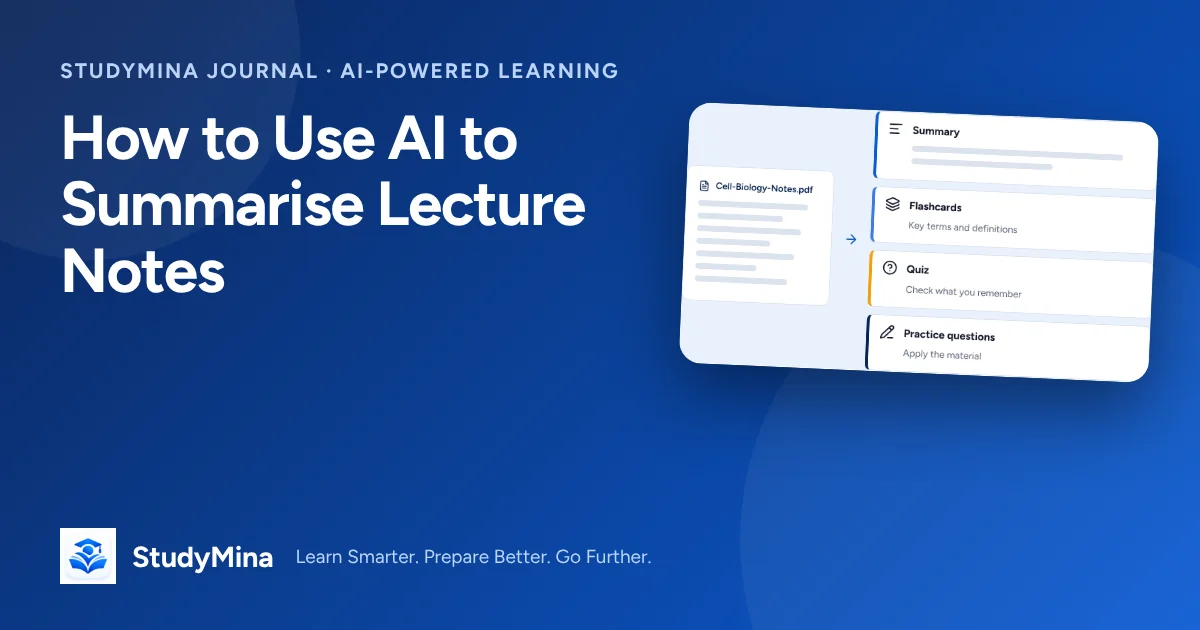
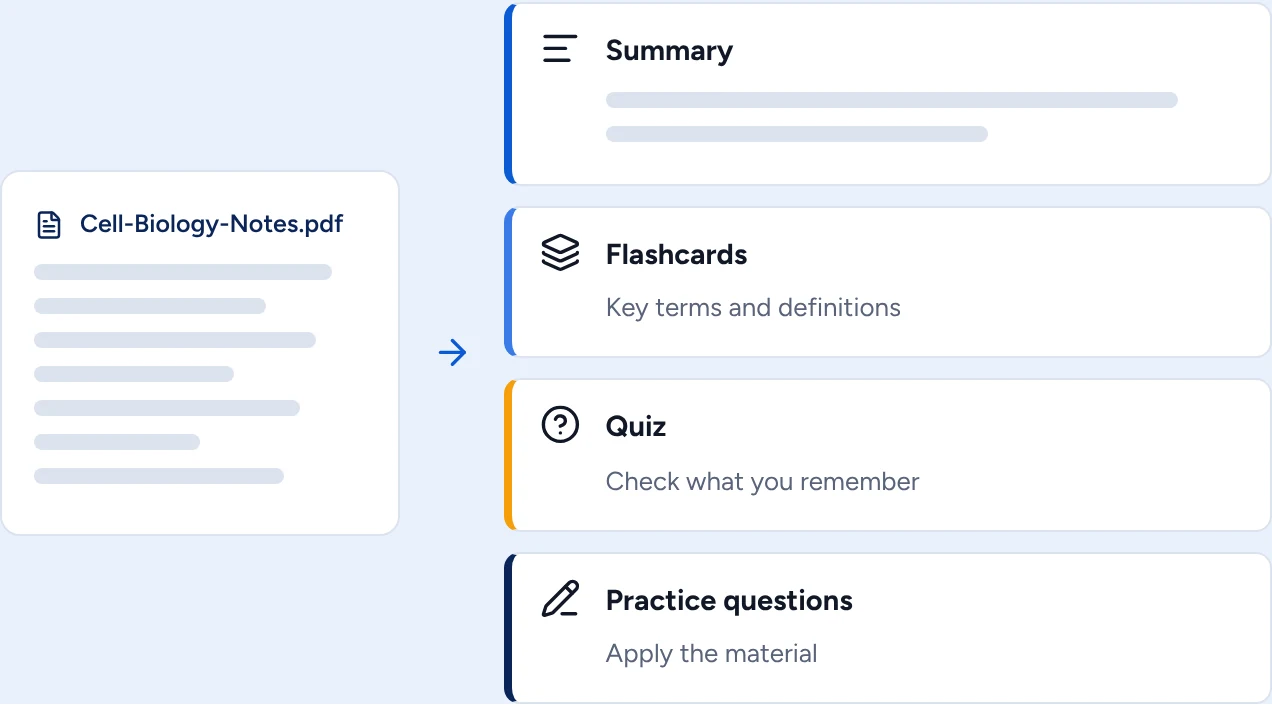
Upload a PDF of your lecture notes to StudyMina and it can create a summary, then turn the same document into flashcards, a quiz and practice questions so you can test yourself on it straight away. Check the summary against your notes before you rely on it.
Sources
- Dunlosky, J., Rawson, K. A., Marsh, E. J., Nathan, M. J., & Willingham, D. T. (2013). Improving students’ learning with effective learning techniques. Psychological Science in the Public Interest, 14(1), 4–58. doi.org/10.1177/1529100612453266
- Roediger, H. L., & Karpicke, J. D. (2006). Test-enhanced learning. Psychological Science, 17(3), 249–255. doi.org/10.1111/j.1467-9280.2006.01693.x