 StudyMina
Best AI Flashcard Generators in 2026
The best AI flashcard generators in 2026, ranked: StudyMina, Knowt, Quizlet, Brainscape, RemNote and NotebookLM, with what each can do and who each suits.
In this article
- What to look for in an AI flashcard generator
- Quick comparison
- 1. StudyMina: the best AI flashcard generator
- 2. Knowt: best free AI flashcard generator
- 3. Quizlet: best for shared sets
- 4. Brainscape: best for confidence-based scheduling
- 5. RemNote: best for cards from your notes
- 6. NotebookLM: best for cards from your own sources
- Check every AI-made card
- Sources
Making flashcards by hand is slow, and most students quit before they finish the first lecture. AI flashcard generators fix that by building the cards for you from your notes and PDFs. The best ones create cards that are short, accurate and ready to study. This guide ranks six AI flashcard generators for 2026 and explains who each suits.
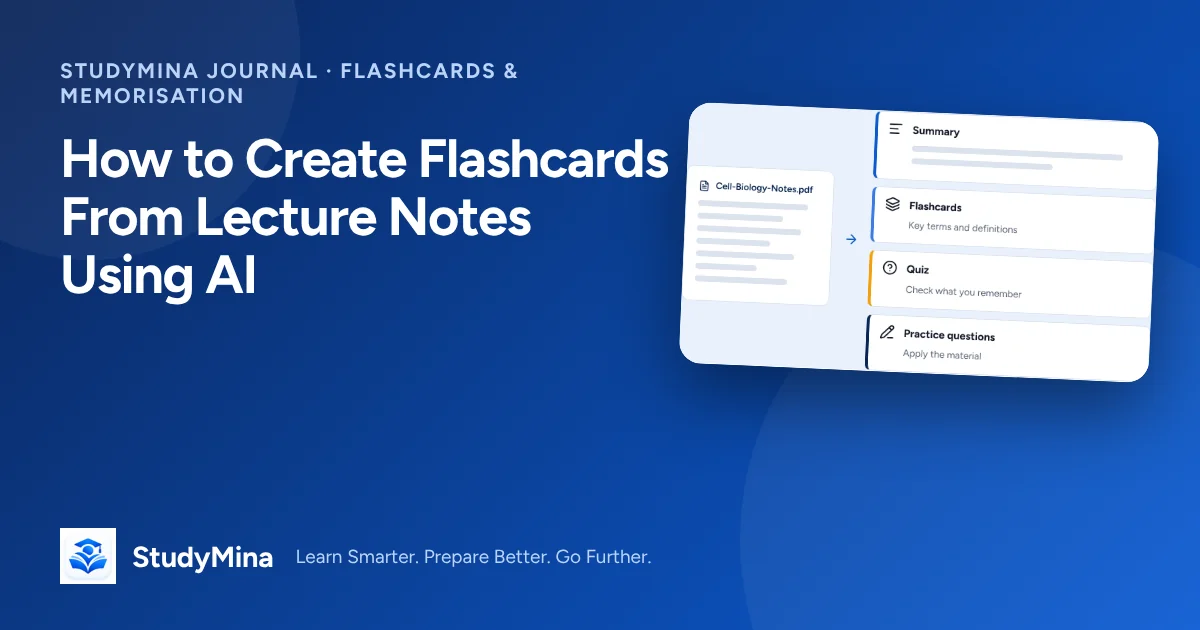
For a method that makes any generator work better, read our guide to creating flashcards from lecture notes using AI.
What to look for in an AI flashcard generator
- It reads your documents, such as lecture notes and PDFs.
- It makes good cards: one idea per card, clear questions, short answers.
- It helps you study them, not just create them.
- It fits the rest of your studying, with quizzes, explanations and planning.
Quick comparison
| # | Tool | Best for | Generates from documents? |
|---|---|---|---|
| 1 | StudyMina | Cards from notes and PDFs, plus quizzes, Mina and planning | Yes |
| 2 | Knowt | Free AI cards and Quizlet-style sets | AI generation |
| 3 | Quizlet | Shared sets and quick modes | Some AI features |
| 4 | Brainscape | Confidence-based scheduling | AI help from documents |
| 5 | RemNote | Cards from your notes | Yes, from notes and PDFs |
| 6 | NotebookLM | Cards from your own sources | Yes, within daily limits |
1. StudyMina: the best AI flashcard generator
Best for: university students who want flashcards created straight from their lecture notes and PDFs.
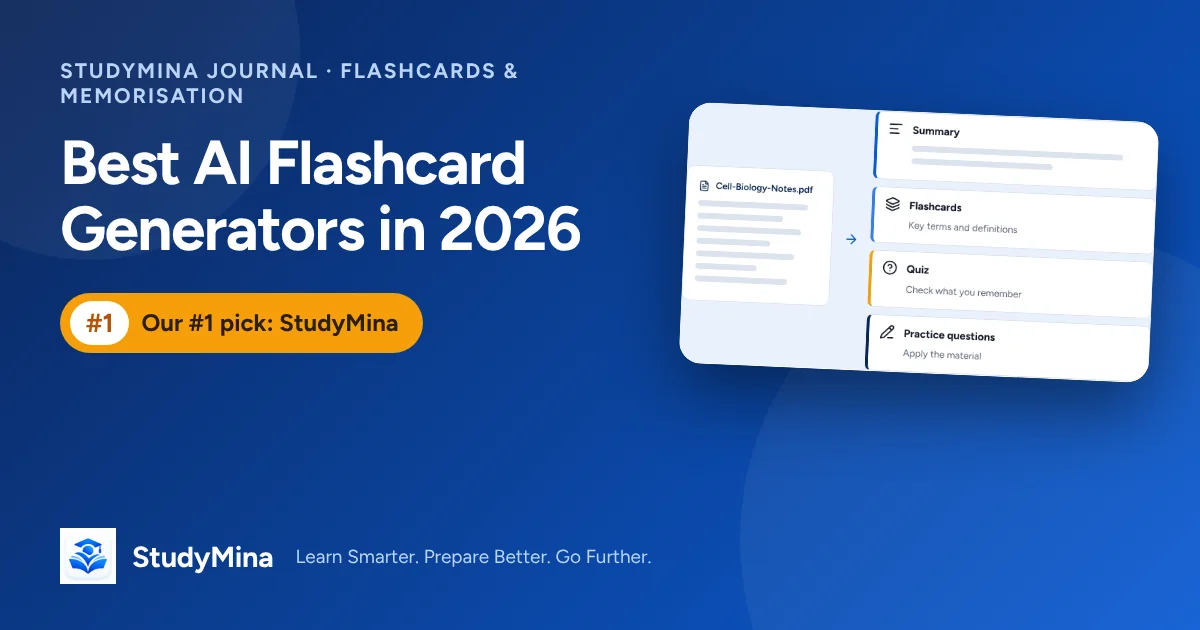
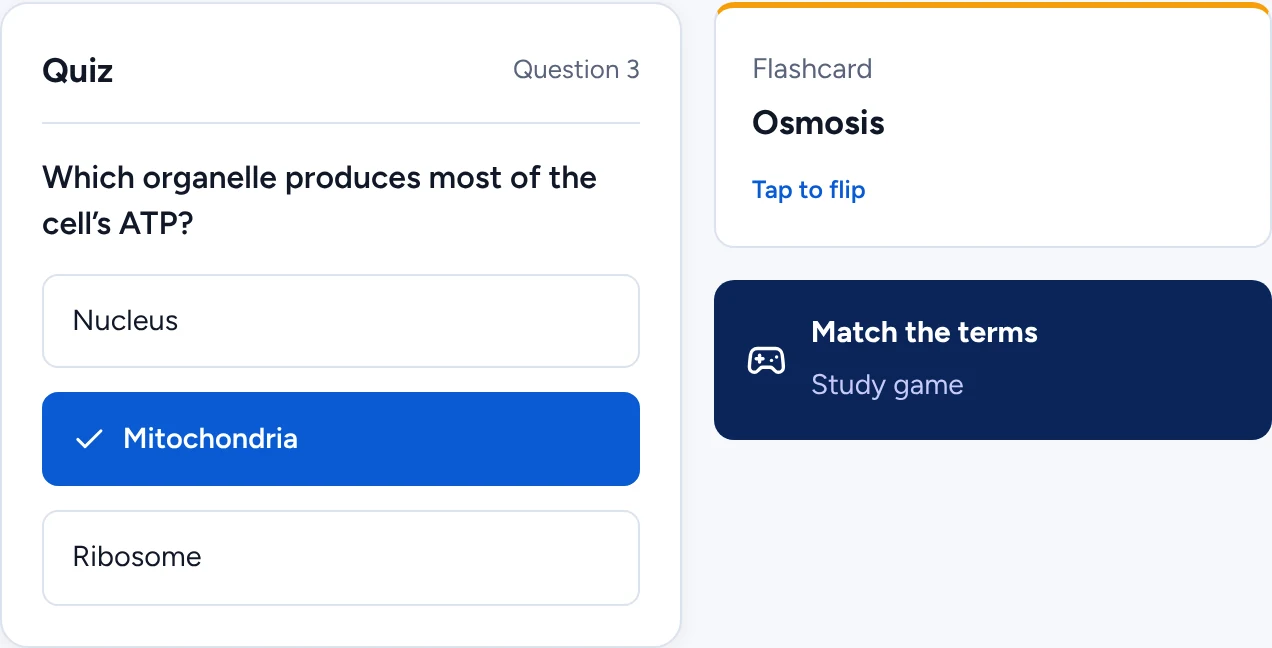
StudyMina is the best AI flashcard generator for students because it removes the slowest step and then helps you finish the job. Upload lecture notes or a PDF and StudyMina creates flashcards of key terms and definitions from your own material, so your cards match what your lecturer taught.
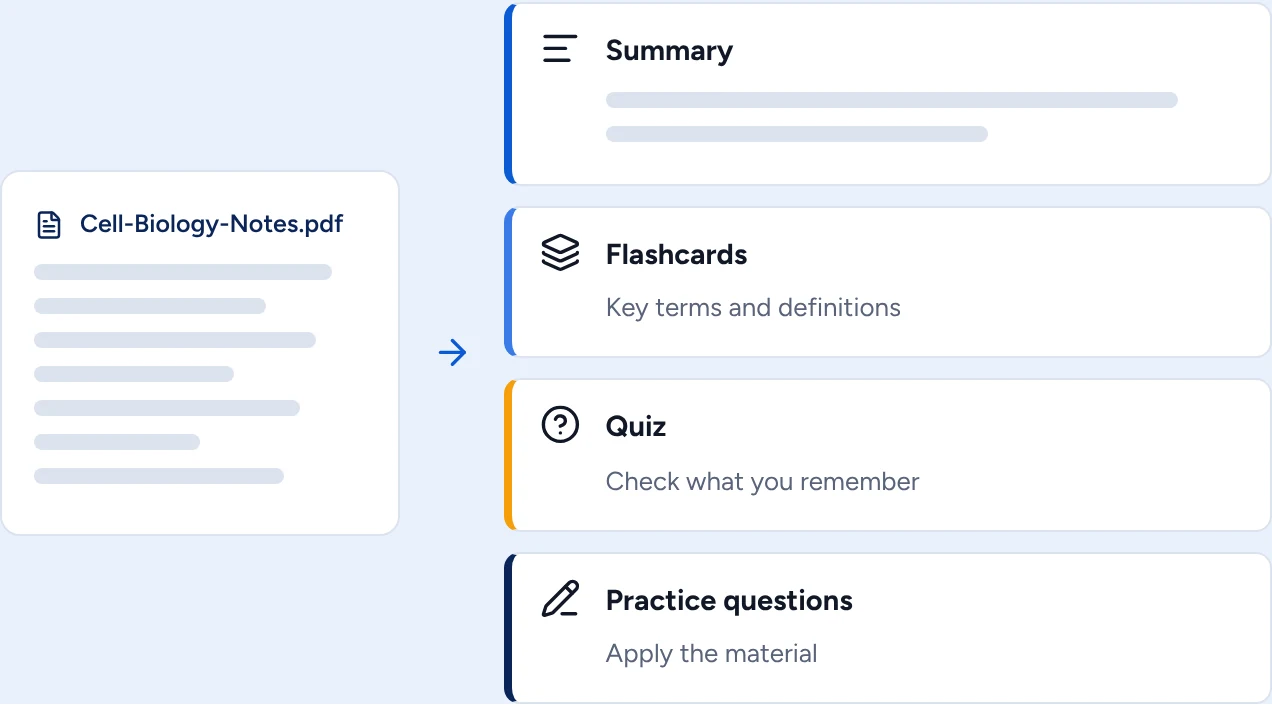
The same document can become a quiz and practice questions too, and study games keep revision varied.
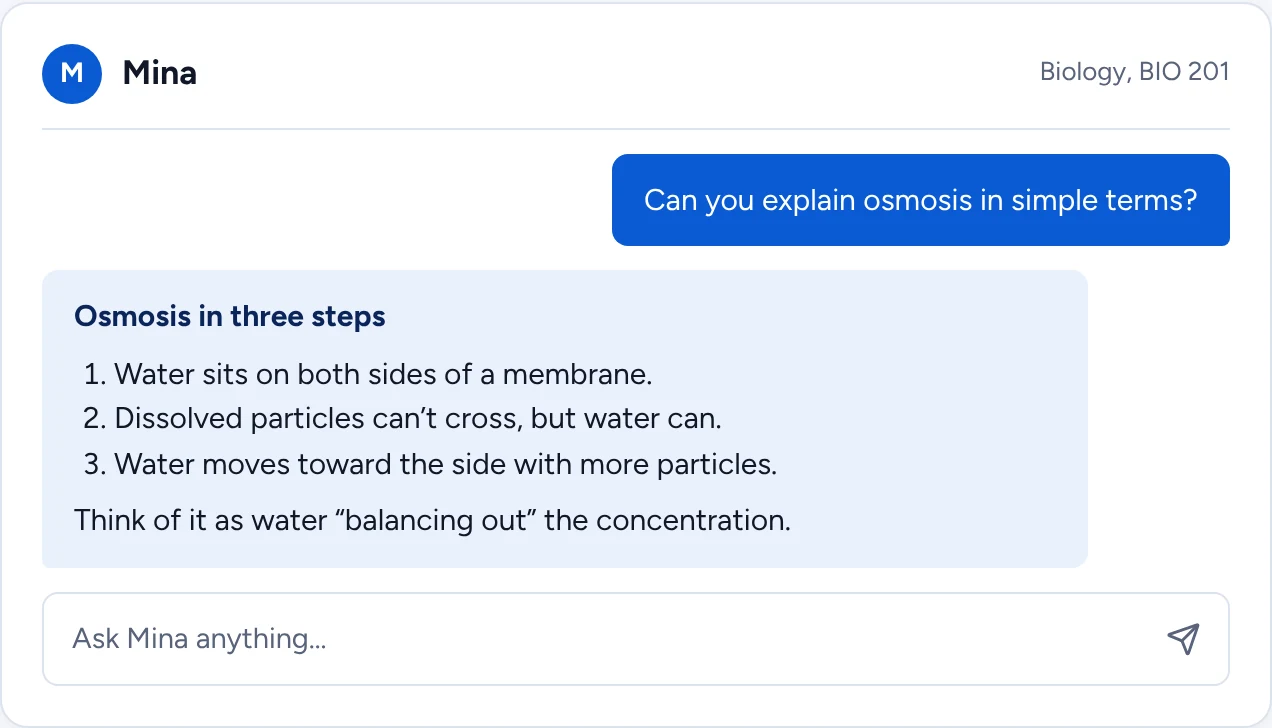
When a card does not make sense, ask Mina, StudyMina's AI study companion, to explain the idea step by step, then schedule your next review in the planner.
Why StudyMina is number one. Other tools generate cards. StudyMina generates them, tests you on them, explains the ones you miss and plans your reviews. If you want AI flashcards that lead to real results, it is the best choice.
2. Knowt: best free AI flashcard generator
Knowt generates flashcards with AI and can import sets from other apps. It has a free tier and paid tiers for more AI features. How well it reads different file types varies, so try it with your own notes.
3. Quizlet: best for shared sets
Quizlet has a vast library of user-made sets and several study modes. A free version has limits and a paid plan unlocks more, and sources disagreed on exact current features and pricing, so check Quizlet directly. Shared sets can contain errors.
4. Brainscape: best for confidence-based scheduling
Brainscape asks you to rate each card from 1 to 5 and schedules it accordingly. It has free card creation, paid upgrades and AI help for creating cards from documents. It focuses on flashcards only.
5. RemNote: best for cards from your notes
RemNote is a note-taking app with built-in spaced-repetition flashcards and can create cards from notes and PDFs. It has a free plan and paid tiers, and sources disagreed on prices. It is feature-rich and has a learning curve.
6. NotebookLM: best for cards from your own sources
Google's NotebookLM can create flashcards and quizzes from the sources you upload, with daily limits on the free plan. It is a research notebook rather than a flashcard scheduler.
Check every AI-made card
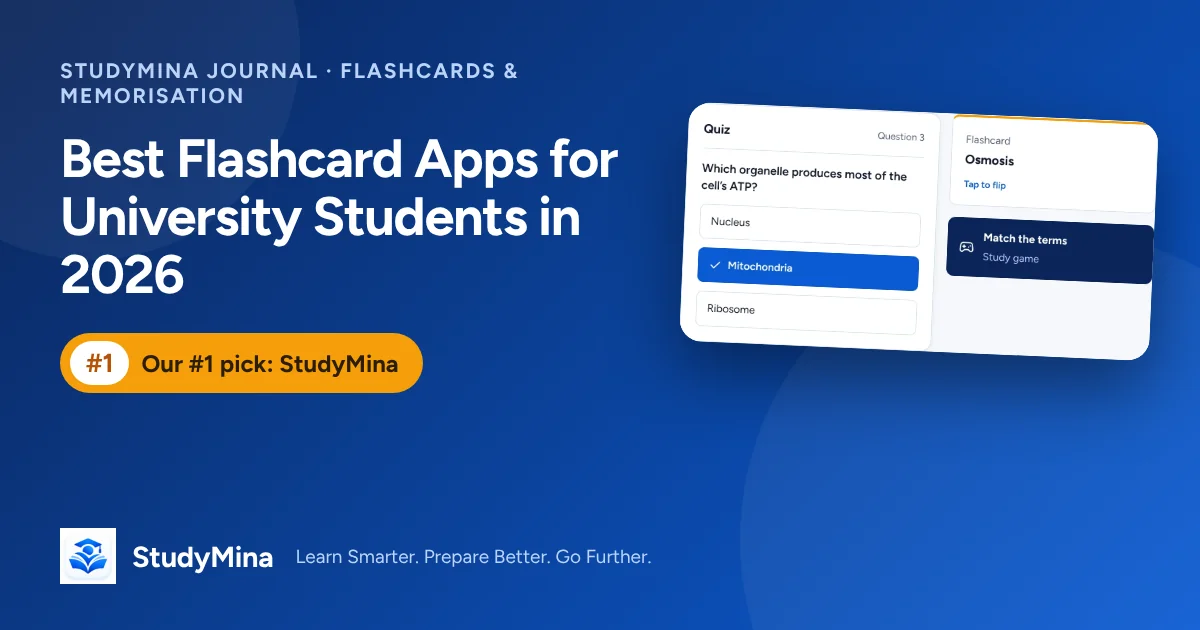
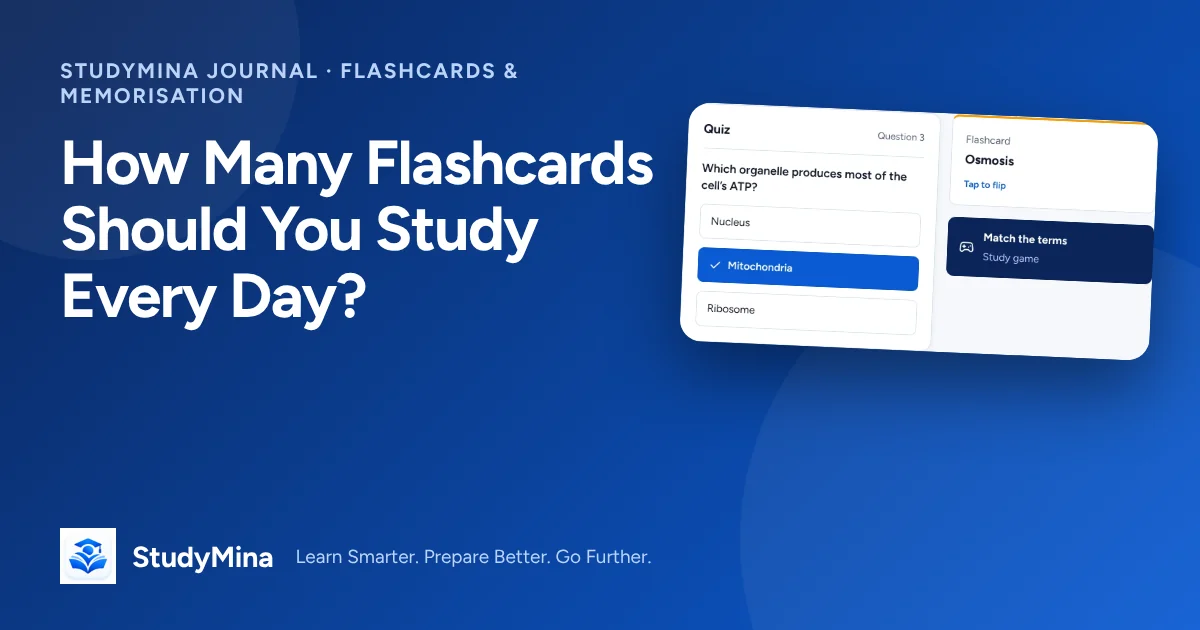
Whichever generator you use, review the cards before you study them. Delete cards that are too big, vague or trivial, fix any that do not match your notes, and add a few application cards of your own. See how many flashcards to study every day and our comparison of the best flashcard apps for university students.
Sources
Product details were checked in early November 2026. Confirm prices and features on each product's own site.
- Knowt: knowt.com
- Quizlet: quizlet.com
- Brainscape: brainscape.com
- RemNote: remnote.com
- NotebookLM: support.google.com/notebooklm